1
Load up
9 instruments, each with its own sound bank. Pick drums, bass, synth, vocal - whatever fits your vibe.
Drop drums, layer melodies, twist effects, shape your mix, and turn sketches into finished tracks. Built on a real audio engine with custom DSP, MIDI support, and WAV export. Windows, Mac, Linux, Android, and Steam Deck. Free beta available now.
Never made music before? Make your first beat in 5 minutes.
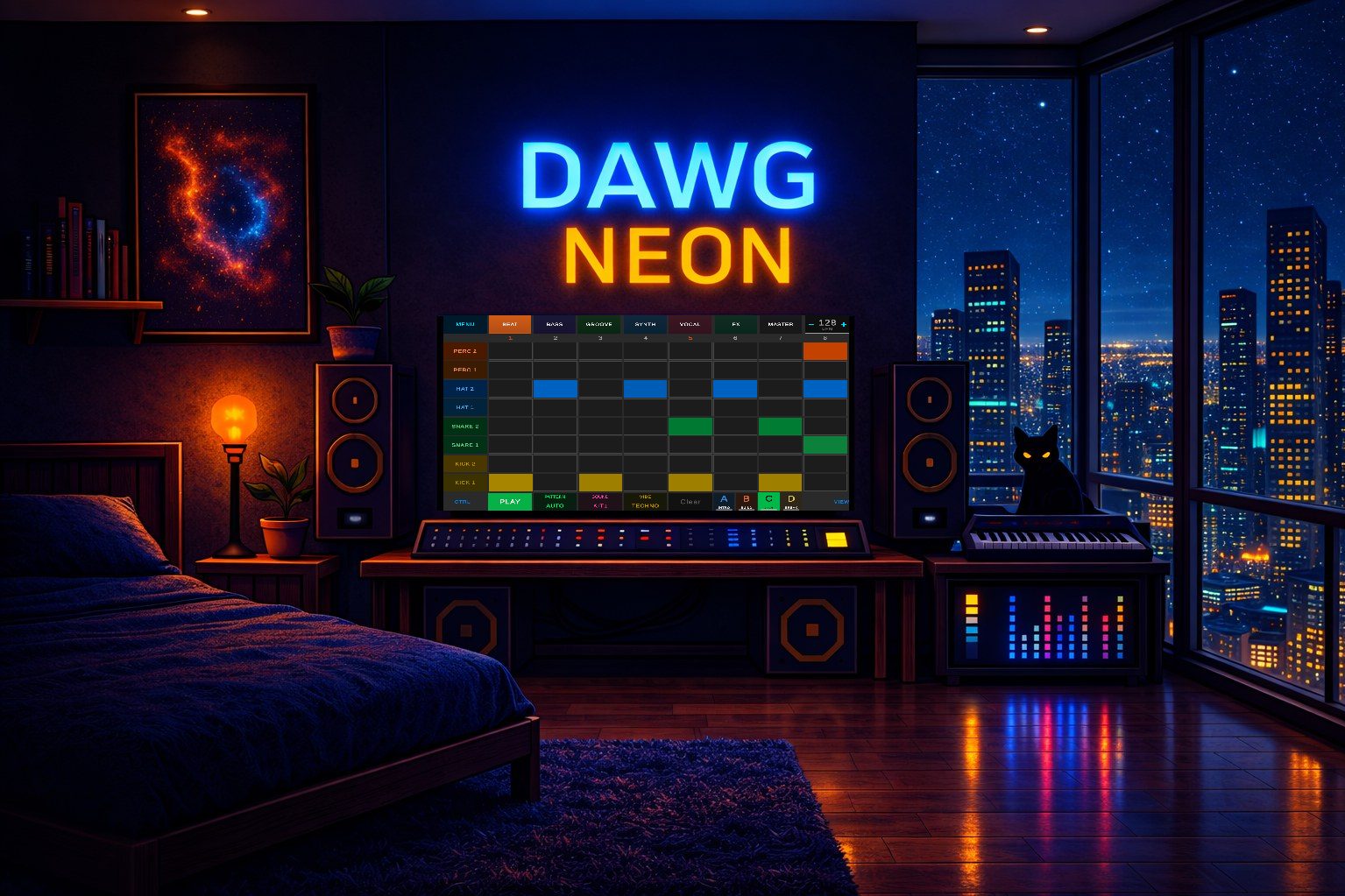
From the first kick to the final master. 9 instruments, a mixer, FX rack, arrangement view, and WAV export - all in one focused environment.
Simple mode: tap cells on a grid to build patterns. Each row is a pitch or drum sound. 8, 16, 32, 64, or 128 steps. Scale-locked so everything sounds good.
DAW mode: full piano roll with chromatic viewport. Draw notes with variable length, adjust velocity, drag to reposition. Marquee selection, quantize, snap-to-grid.
Switch between modes anytime. Your notes carry over - nothing lost.
Step sequencer guide →Every instrument gets its own channel strip: volume fader, pan knob, mute, solo. The master bus has a real-time spectrum analyzer, VU meters, and integrated LUFS loudness monitoring.
Four steps. That's the whole workflow.
9 instruments, each with its own sound bank. Pick drums, bass, synth, vocal - whatever fits your vibe.
Hit cells on the grid, play keys on a MIDI controller, or finger-drum on your phone. The sequencer does the rest.
Filter, drive, reverb, delay - per instrument. Open the mixer, ride the faders, watch the VU meters bounce.
Render to WAV. Drop it on SoundCloud, use it in a video, send it to your friends. It's yours.
Gameplay and development in motion.
Click a card to explore. Themes, mixer, sound design, studio worlds.



"Yo Dawg I heard you like DAWs, so we put a DAW inside yo DAWG so you can produce while you play"
Custom DSP. Per-voice processing. Sample-accurate scheduling. No shortcuts.
Every note runs through the same real-time pipeline - from key press to speaker output.
Every input feeds the same velocity-sensitive note trigger. No configuration needed.
Every voice runs its own filter, envelope, and LFO stack. 81 simultaneous voices, zero garbage collection.
Drag the FX pad to morph filter and delay in real time. Per-instrument effects, synced to BPM.
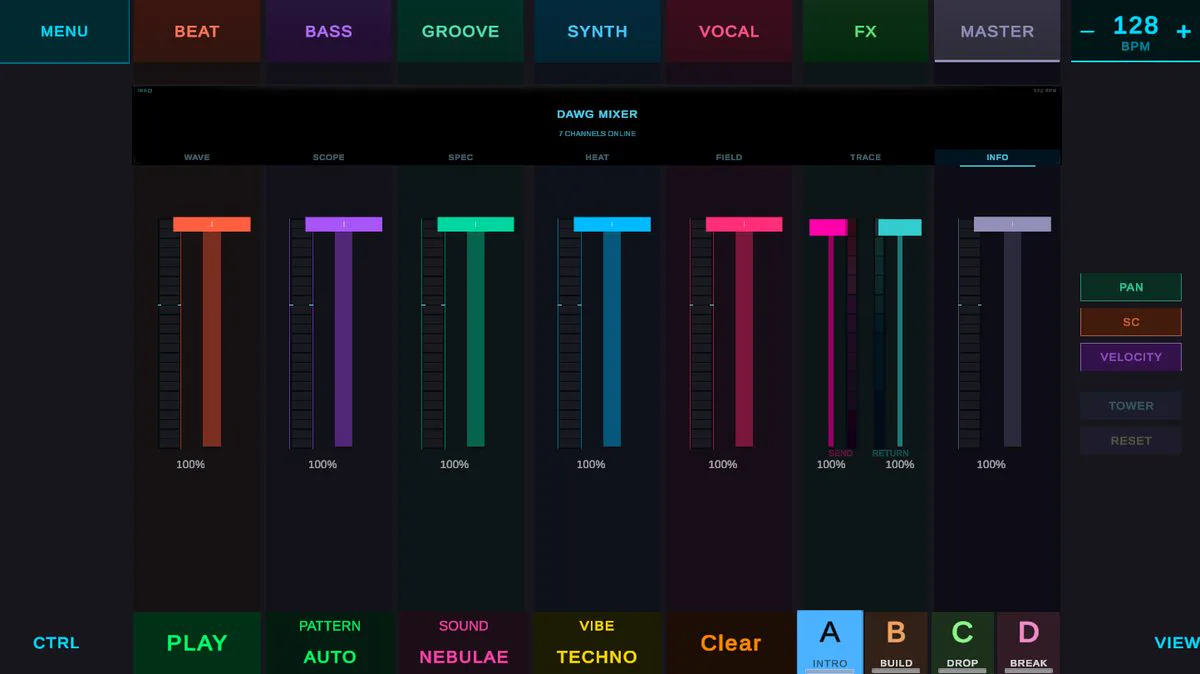
7 channels, each with volume, pan, and send/return. Master bus with VU meters and LUFS monitoring.
DAWG supports every input method Unity can handle. Plug in a MIDI keyboard, use touch on a tablet, or play with a gamepad on the couch.
Works on Android phones, tablets, touchscreen laptops, and Steam Deck touchscreen.
Touch production guide →Also supports accelerometer and gyroscope for motion-based expression, microphone input for sampling, and USB audio interfaces (ASIO on Windows) for low-latency monitoring.
Every device connects to your main device. Phone, PC, or Steam Deck is always the hub.
Tap the grid, twist effects, export WAV. Touch-first interface means your fingers are the controller. Wired earbuds for zero latency, Bluetooth for convenience, USB-C for lossless digital audio.
Android guide →MIDI keyboard connects to your phone via Bluetooth or USB OTG. Headphones via Bluetooth, 3.5mm, or USB-C. Play melodies by hand, hear the result instantly. Fits in a backpack. DAWG Approved: RockJam Go 25.
Recommended gear →MIDI keyboard plugs in via USB or pairs over Bluetooth. Headphones via the audio jack, USB, or Bluetooth. Mouse and keyboard for the grid and mixer. The most common DAWG setup.
Keyboard shortcuts →Lean back with a gamepad - Xbox, PlayStation, or 8BitDo. Steam Deck has controls built in. D-pad to navigate, triggers for BPM, bumpers to switch tabs. Headphones via 3.5mm, USB, USB-C, or Bluetooth. DAWG Approved: 8BitDo Ultimate.
Steam Deck guide →MIDI keyboard connects via USB or Bluetooth. If your keyboard has 5-pin DIN MIDI output, connect it to the audio interface's MIDI input instead - the USB cable carries both audio and MIDI to the PC. Monitors connect to the interface over balanced TRS or XLR. Low-latency ASIO output, proper monitoring, VU metering. This is what DAWG is developed on. DAWG Approved: RockJam Go 25 + MOTU M4.
Recommended gear →XLR or 6.3mm mic into the audio interface, USB to the PC. Monitor through the interface's headphone jack with zero-latency direct monitoring. Record into the Recording Booth - build custom drum kits from real objects, or feed the Looper for auto-sliced beat loops. On mobile, your phone's built-in mic or a wireless mic like the DJI Mic 2 works too. DAWG Approved: MOTU M4.
Recording Booth →A solo-built studio focused on music creation software and professional Unity packages.
A game about making music. Drop drums, layer melodies, twist effects, shape your mix, and export finished tracks. Windows, Mac, Linux, Android, and Steam Deck.
Production-tested packages extracted from the DAWG engine. OKLab color science, frame-rate independent smoothing, DSP primitives, and text animation.
One codebase, one developer. No committee design. Every feature earns its place. Actively developed and updated regularly.
Download DAWG and start making music in under a minute. 9 instruments, real-time DSP engine, MIDI support, dual grid modes, mixer, and WAV export. Runs on Windows, Mac, Linux, Android, and Steam Deck.
The same DSP, color science, and animation tech that powers DAWG - extracted into standalone Unity packages. OKLab Pro, Smooth Pro, DSP Primitives, and more. Production-tested, zero-allocation, fully documented.